
Errors & Troubleshooting
Common error messages, what they mean, and how to fix them
Copilot / model issues
“No AI model available” / “GitHub Copilot is not active”
- Ensure Copilot is signed in (bottom-right icon).
- Run
GitHub Copilot: Sign Infrom the command palette, then reload the window. - Confirm you have an active Copilot subscription and VS Code 1.102.0+.
- If still failing, restart VS Code or reinstall the Copilot extension.
“LanguageModelError” / “Failed to connect to Language Model API”
- Check internet/Proxy/VPN; ensure https://api.github.com ↗ is reachable.
- Configure VS Code
http.proxyif your corporate proxy blocks access. - If it’s a transient service/network issue, wait a few minutes and retry.
Project/session issues
“No project found in current workspace”
- The workspace isn’t initialized or has no sessions.
- Run SRS Writer: Control Panel → Create Workspace & Initialize, or start a new project in chat.
- Make sure the opened folder is the initialized workspace root.
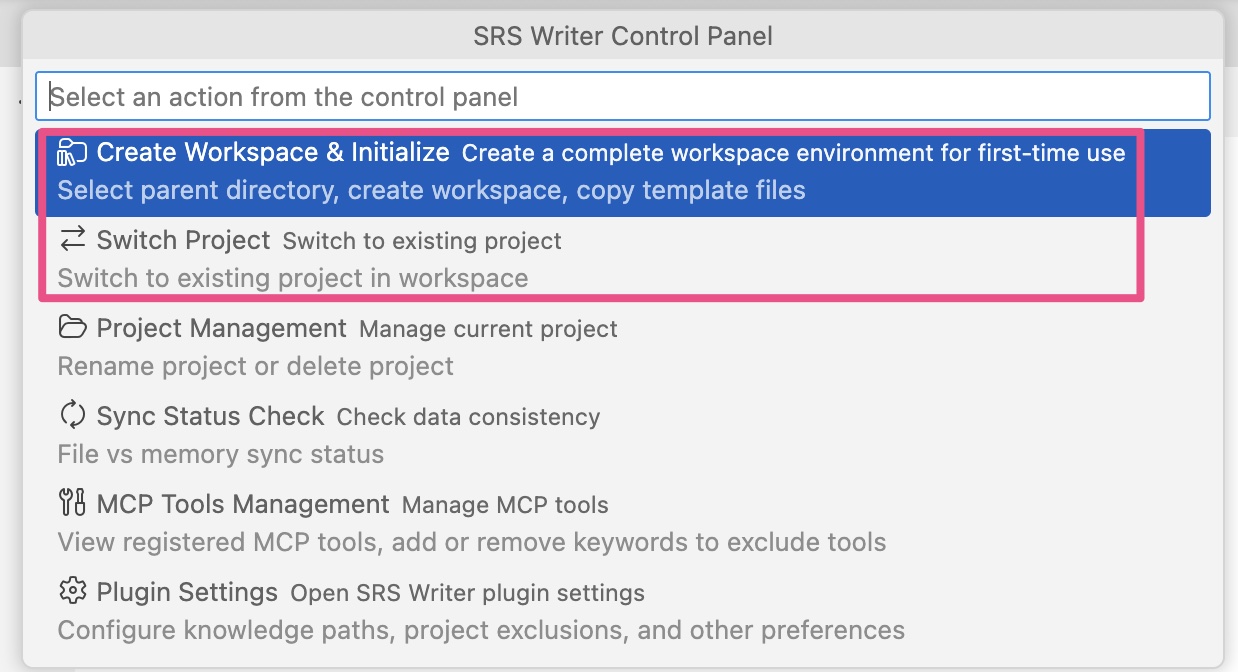
“BaseDir validation failed” / “Project directory missing”
- The project folder was moved/renamed.
- Use Control Panel Project Management → Rename Project to fix paths, or move the folder back to the workspace root.
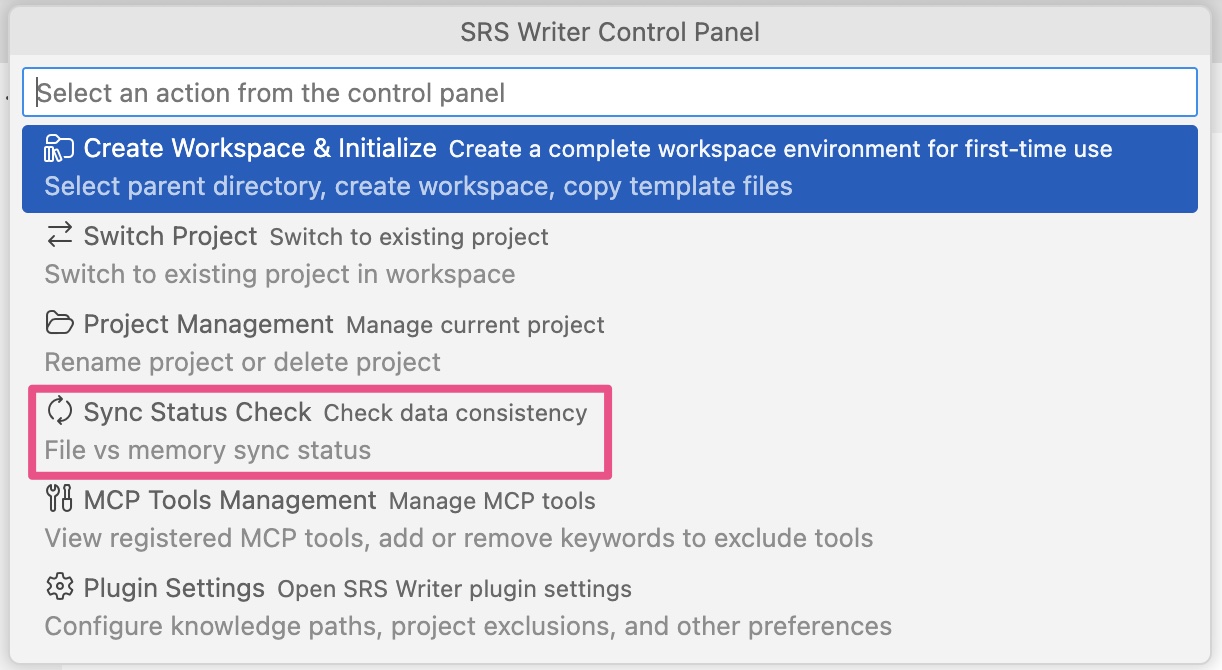
- After manual renames, run Sync Status Check or Force Sync Context.
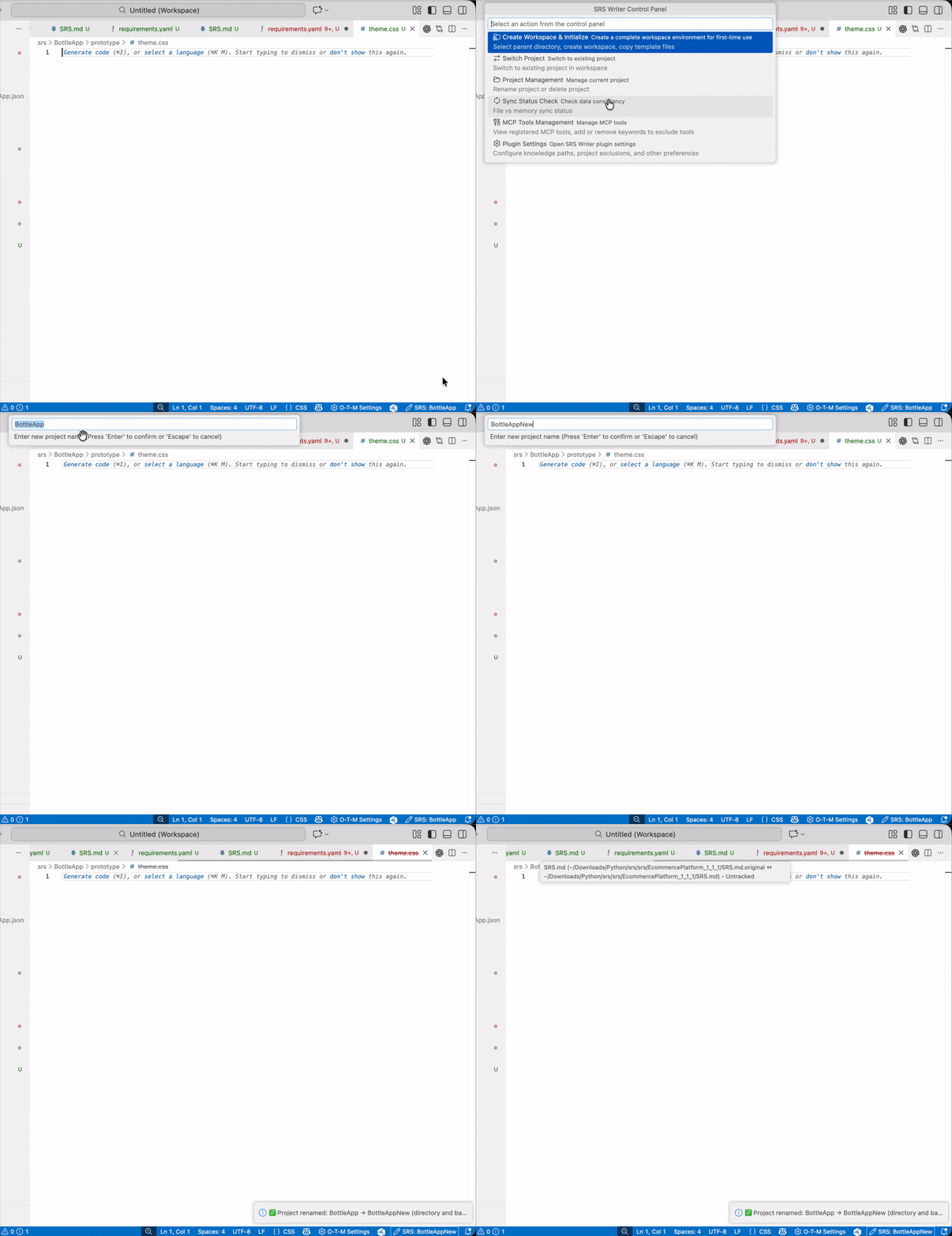
Out-of-sync / stuck progress
- Use Control Panel Sync Status Check to diagnose.
- Run Force Sync Context (command palette) to reload sessions/files.
- If needed, switch to another project and back.
Files & paths
“File not found” / “Cannot read file”
- Paths must be relative to the project root and inside the current workspace.
- Binary files like
.docx/.pdfaren’t supported; convert to.mdor.txtfirst. - Verify the path and filename exactly match (case-sensitive).
Still stuck?
- Open Developer Tools (
Cmd+Opt+I/Ctrl+Shift+I) and check the console errors. - Copy the full message and file a report at GitHub Issues ↗.
- Include VS Code version, SRS Writer version (0.8.2), repro steps, and relevant logs.