
Workspace Settings Admin Playbook
Overview
This playbook focuses on Workspace settings operations that can be handled by workspace admins.
Member Management
Member invitation (including onboarding new users into Testany and joining a workspace) is documented in Understanding Workspace Settings.
Use Member Row Actions
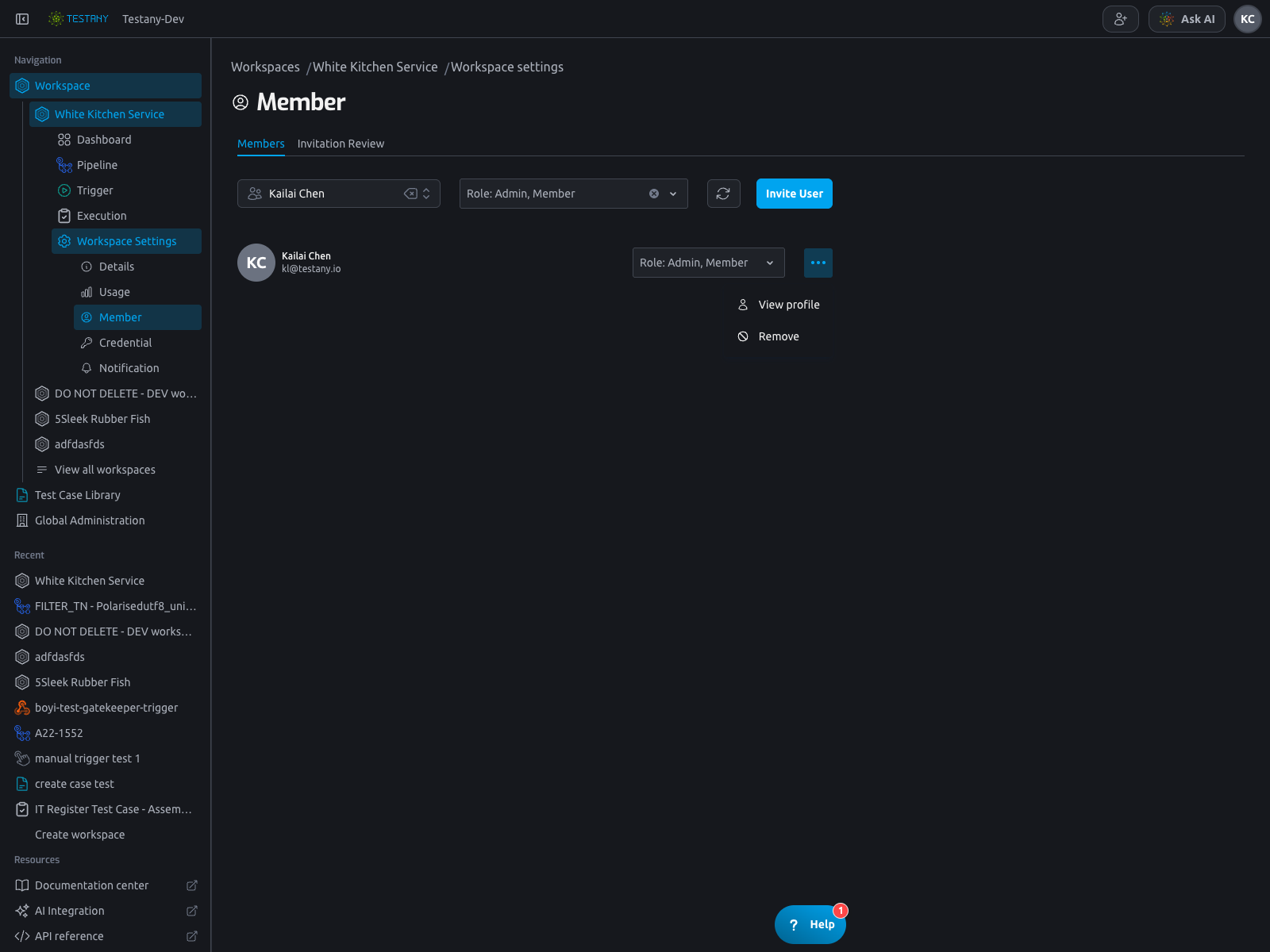
Open the row menu (...) to access row operations for a member.
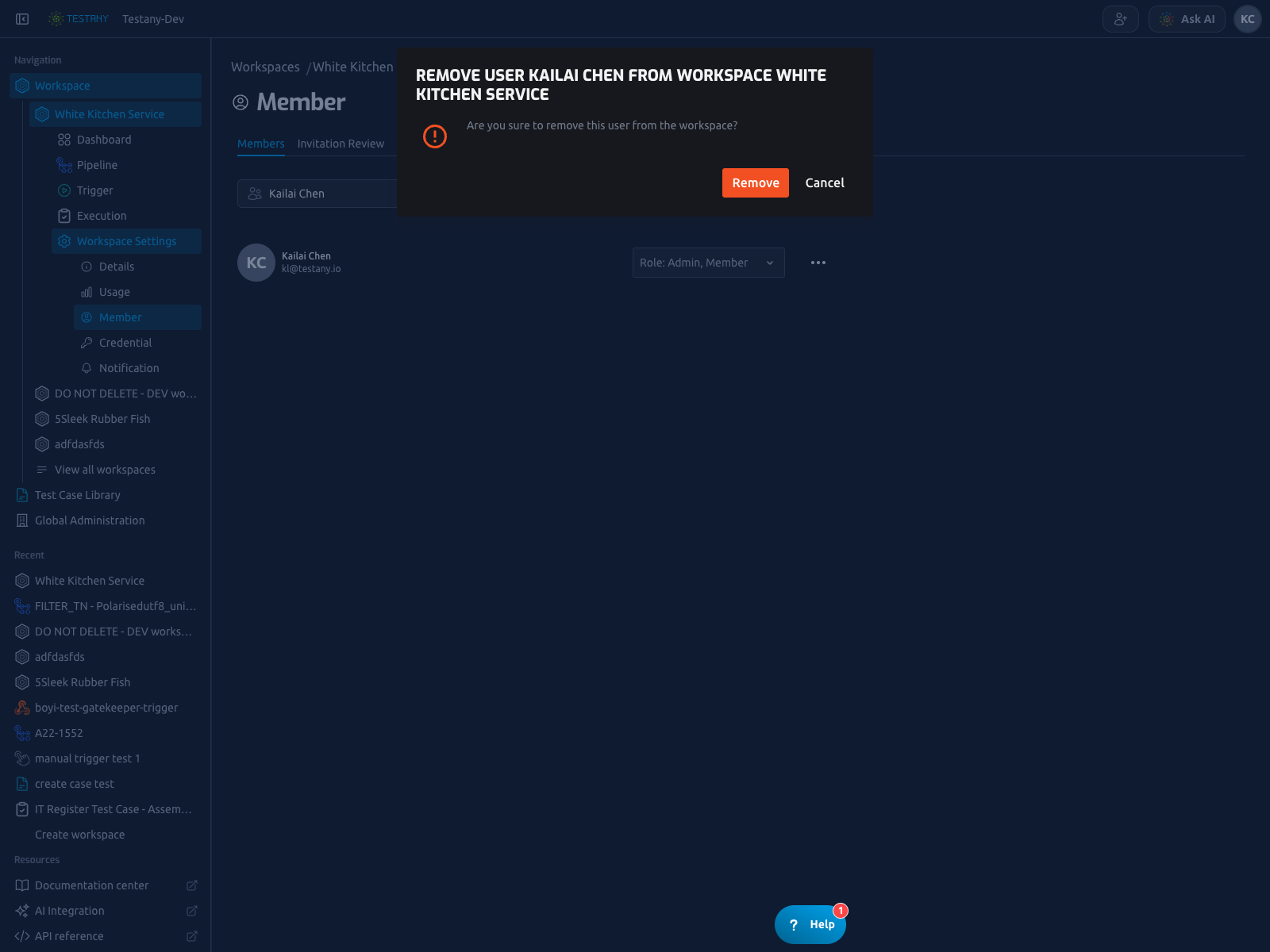
For remove flow, confirm from the removal dialog.
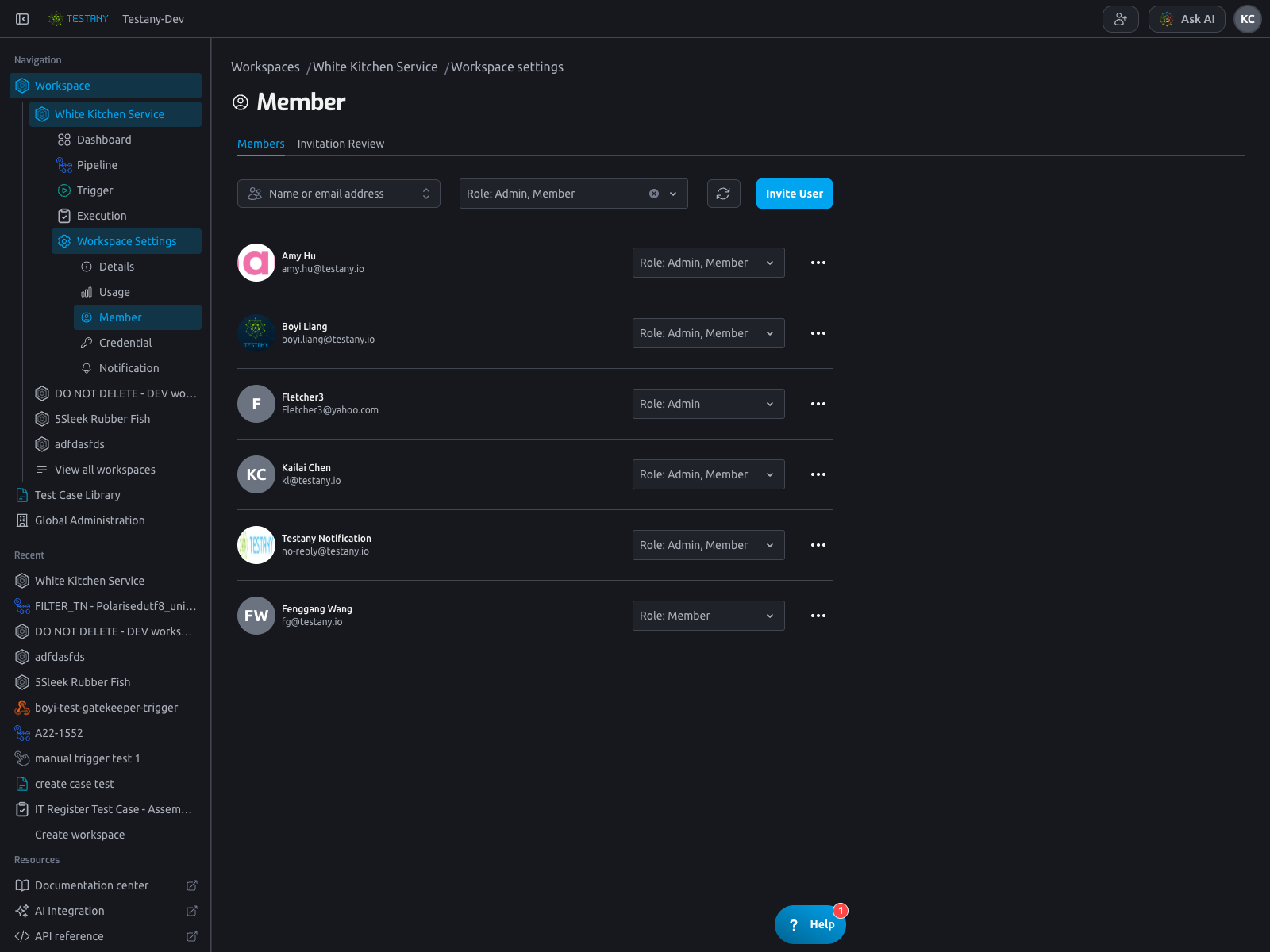
Review Invitation Requests
Use the Invitation Review tab in the Member page to process invitation tickets.
Credential Management
The Credential tab is the workspace-level credential control plane for the selected runtime:
Credential Safemaps your external secret store into Testany.Credential Keyidentifies the concrete credential entry inside a Credential Safe. Test case authors select it from a caseSecretreference, and the runtime resolves it into the environment variable that the test reads during execution.- Runtime selection determines which credential context you are maintaining.
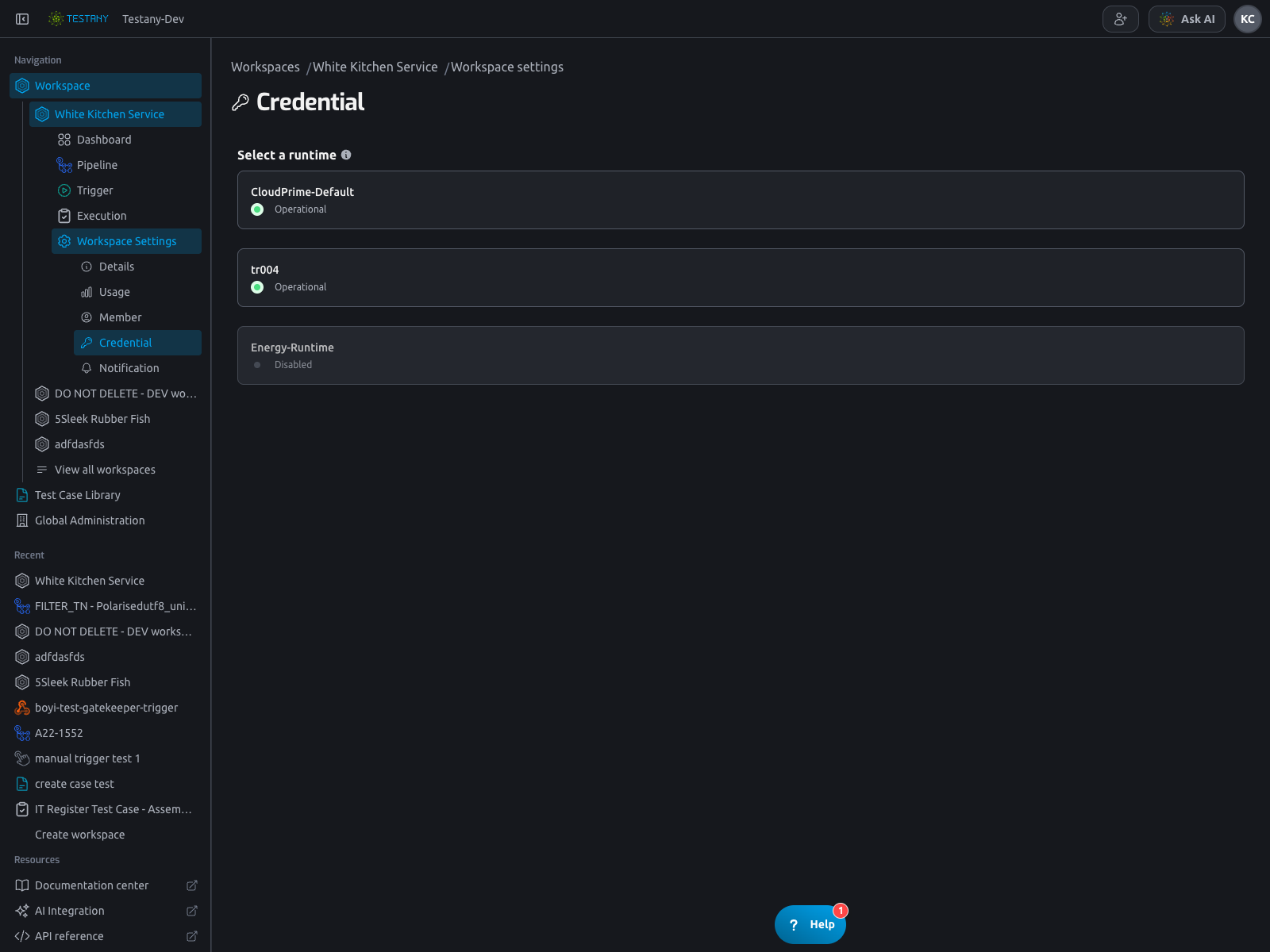
Select Runtime and Enter Credential Area
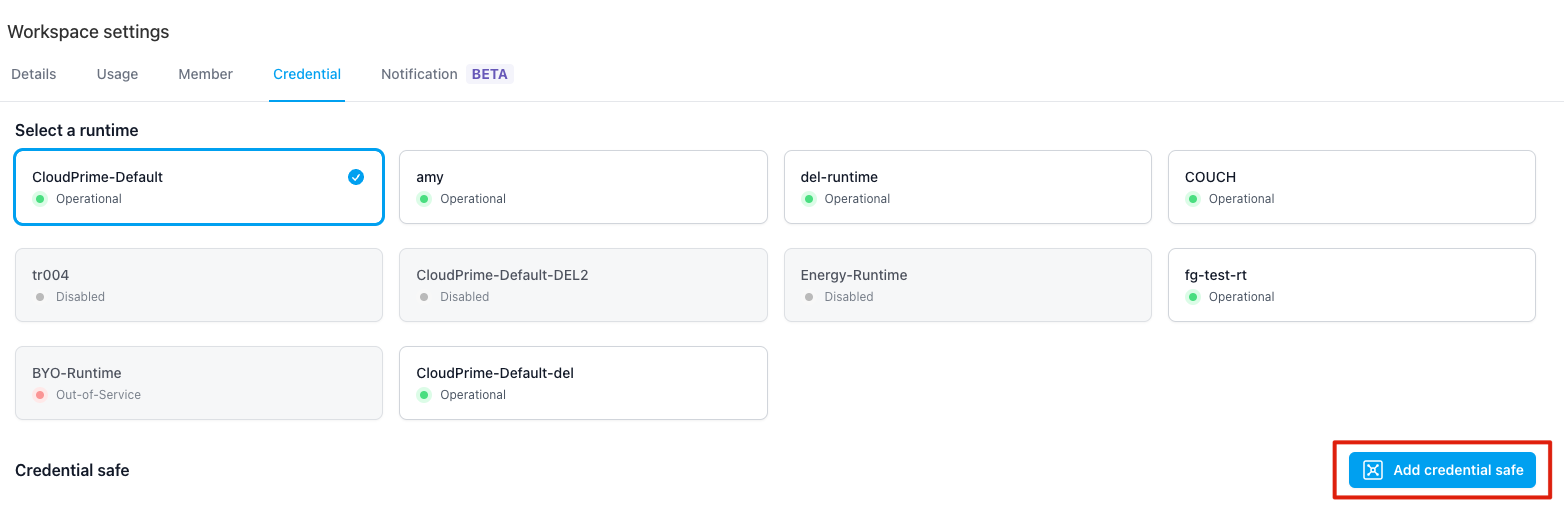
Go to Credential and select a runtime before managing safes and credential keys.
Create a Credential Safe
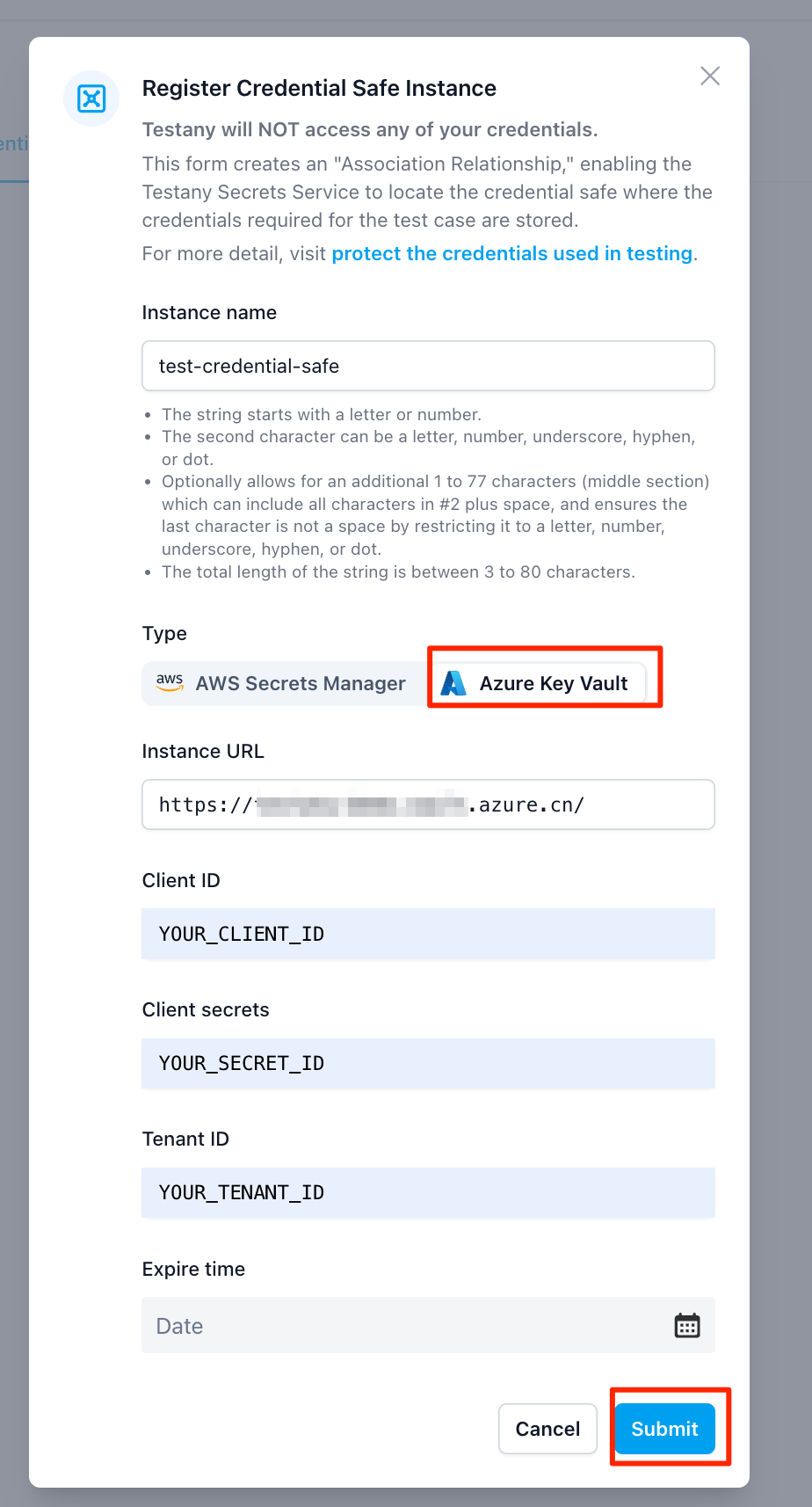
Click Add credential safe and submit the required safe information.
Edit or Delete Credential Safe
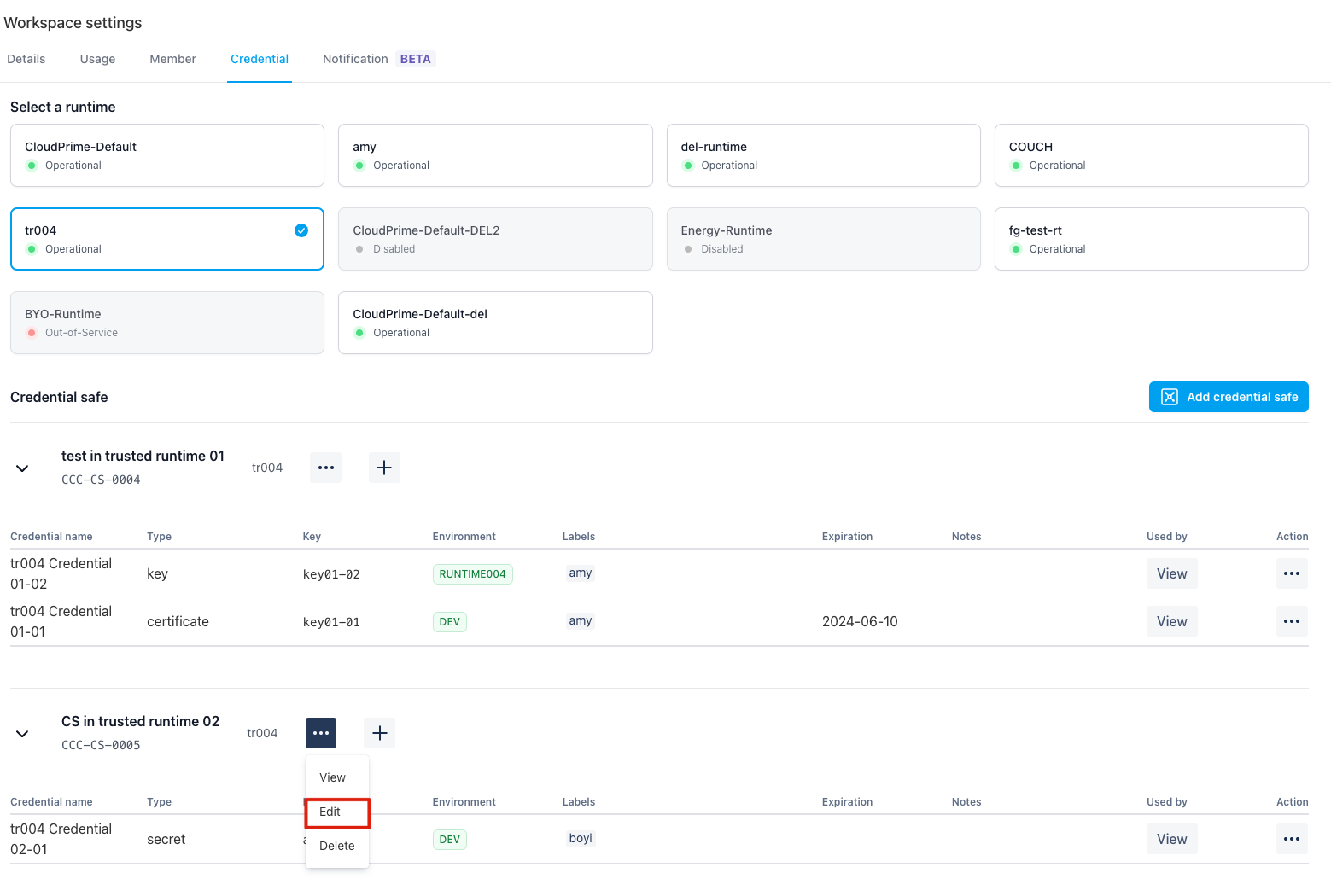
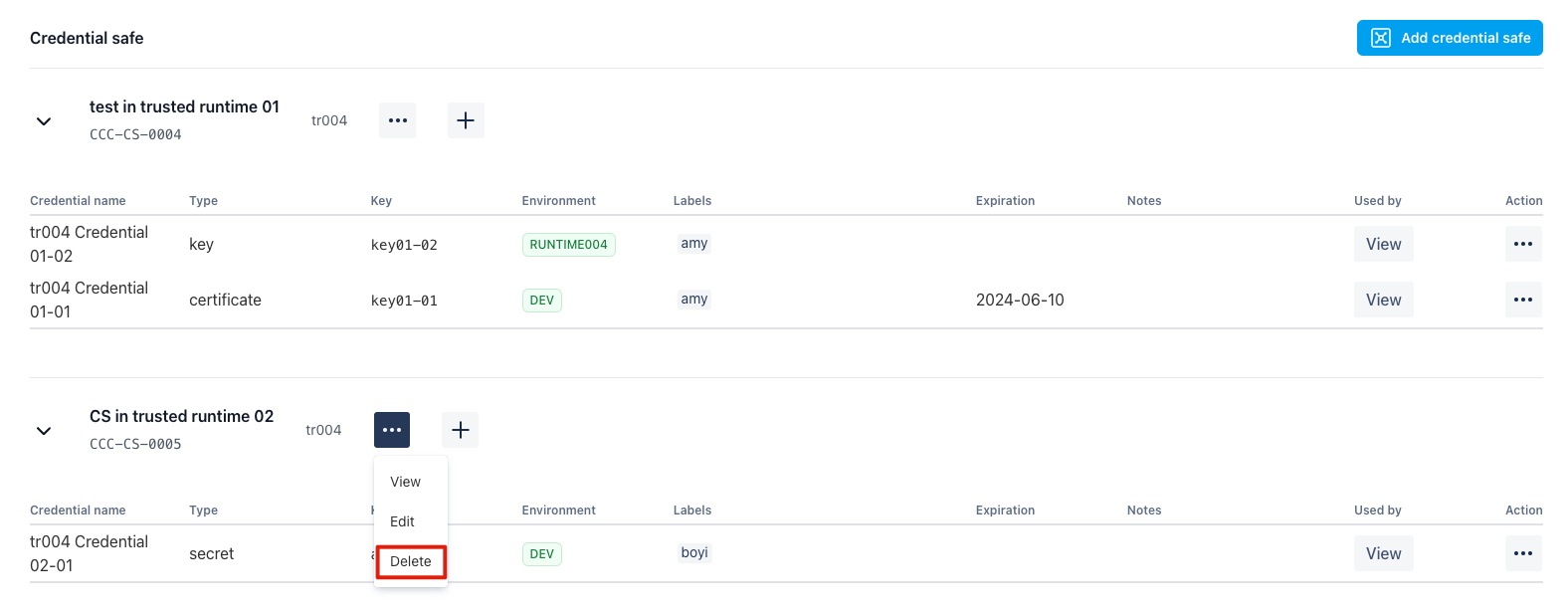
Use the safe action menu to update safe settings or remove a safe.
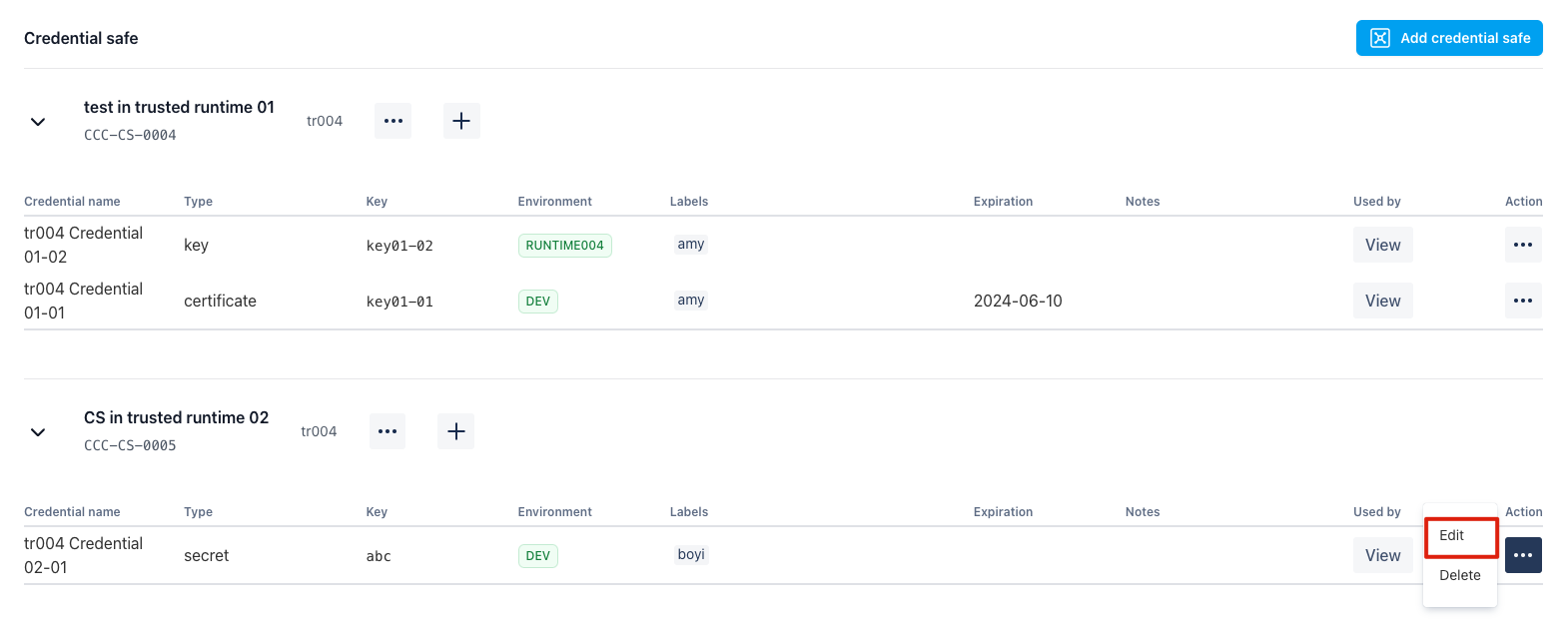
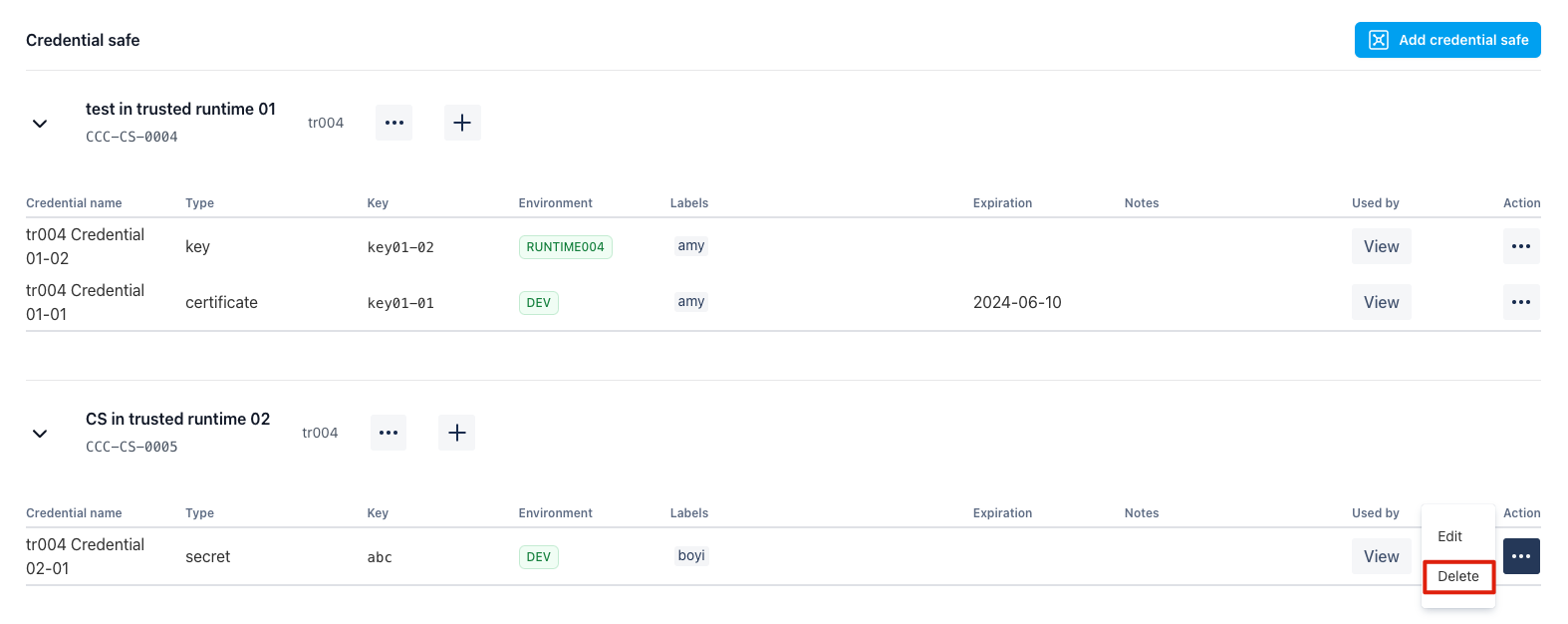
Edit or Delete Credential Keys
Use row actions in a safe to edit or delete credential keys.
Notification Receiver Management
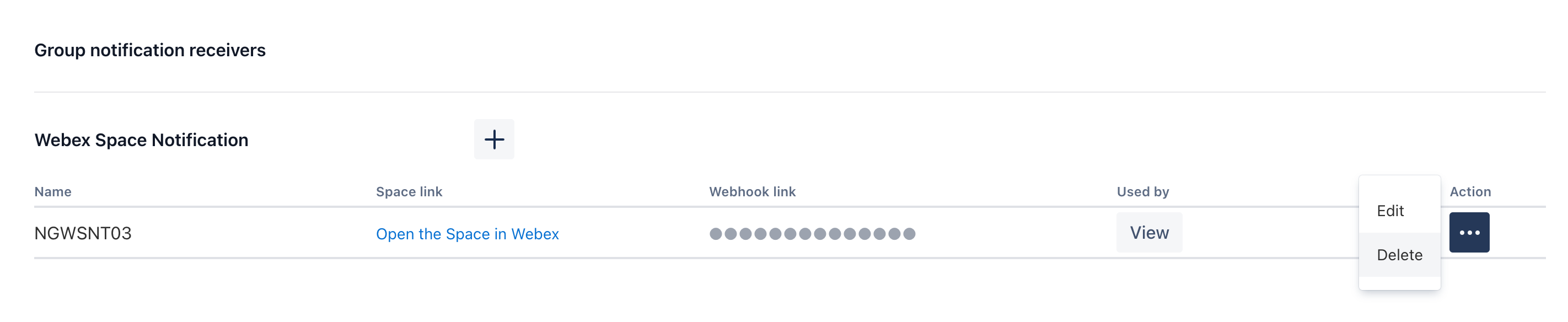
The Notification tab defines workspace-level shared group receivers that can be reused by Plan/Gatekeeper result notification settings.
Each receiver row usually contains:
- Receiver type
- Receiver name (linked to channel/space)
- Delivery preference (all results or failed-only)
- Maintenance actions (edit/delete)
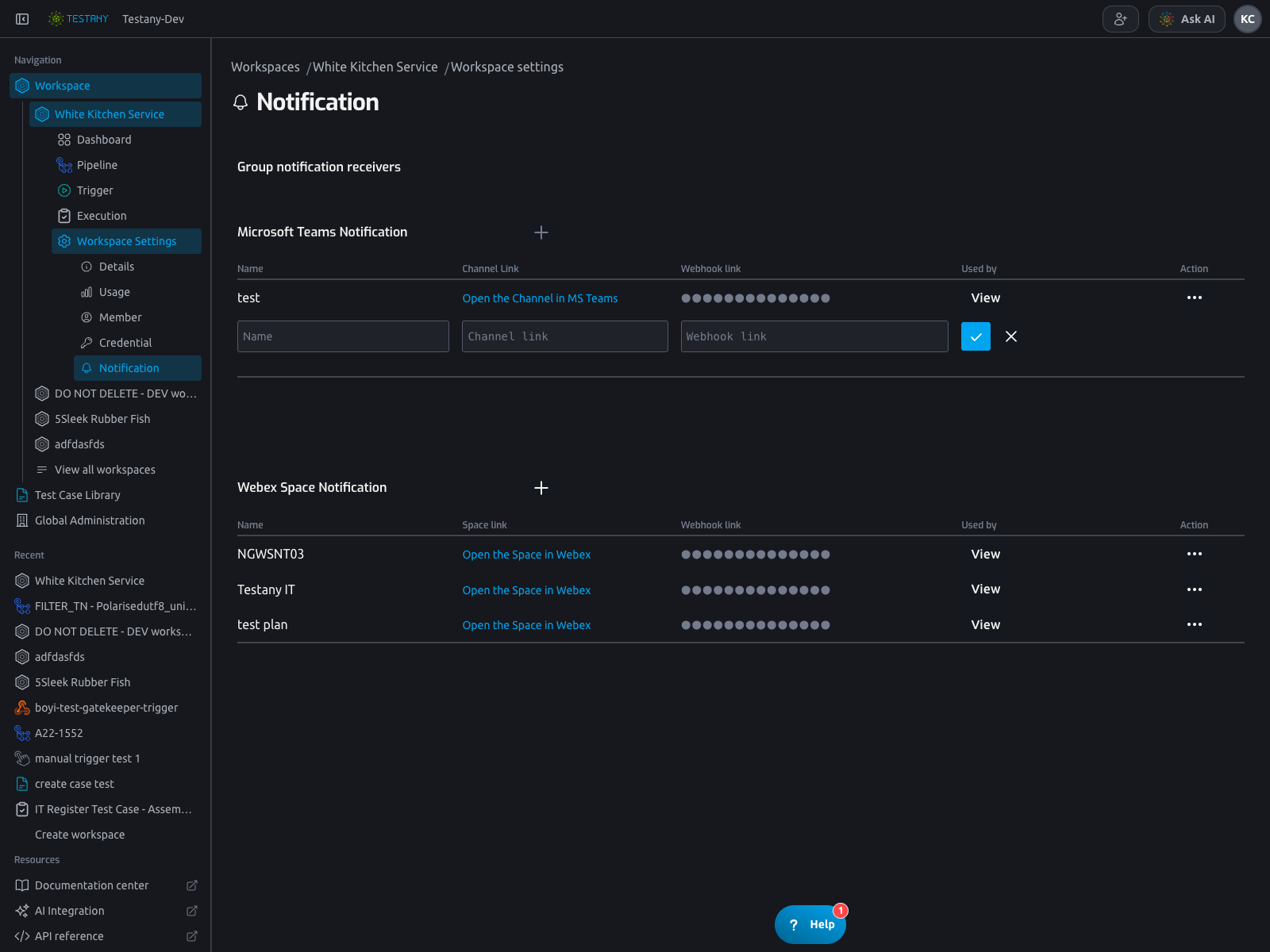
Add Group Receivers
In Notification, click + in a receiver group and fill in receiver details.
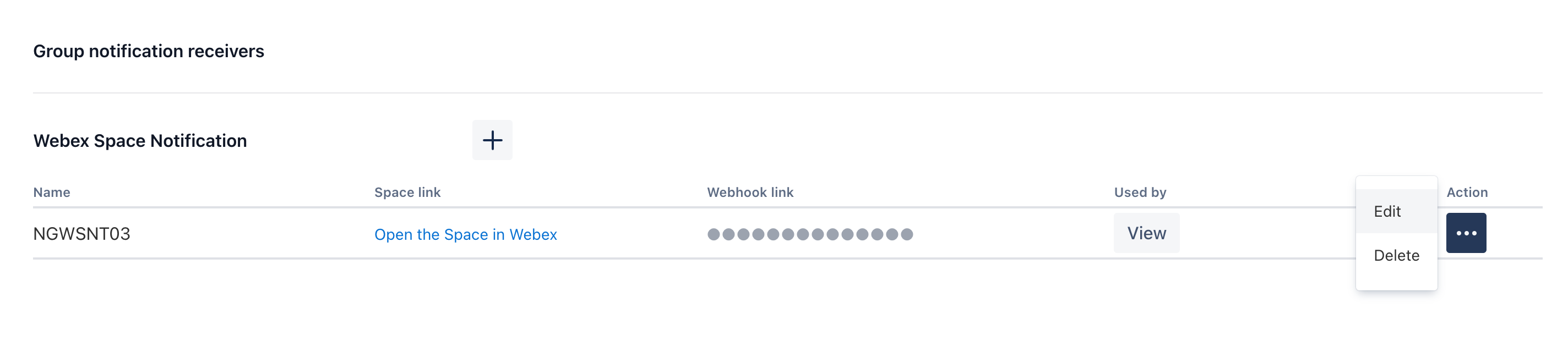
Edit or Delete Group Receivers
Use the row ... action menu to edit or delete an existing receiver.
Related Docs
Still have questions?
Our team is here to help. Get in touch and we'll get back to you as soon as possible.